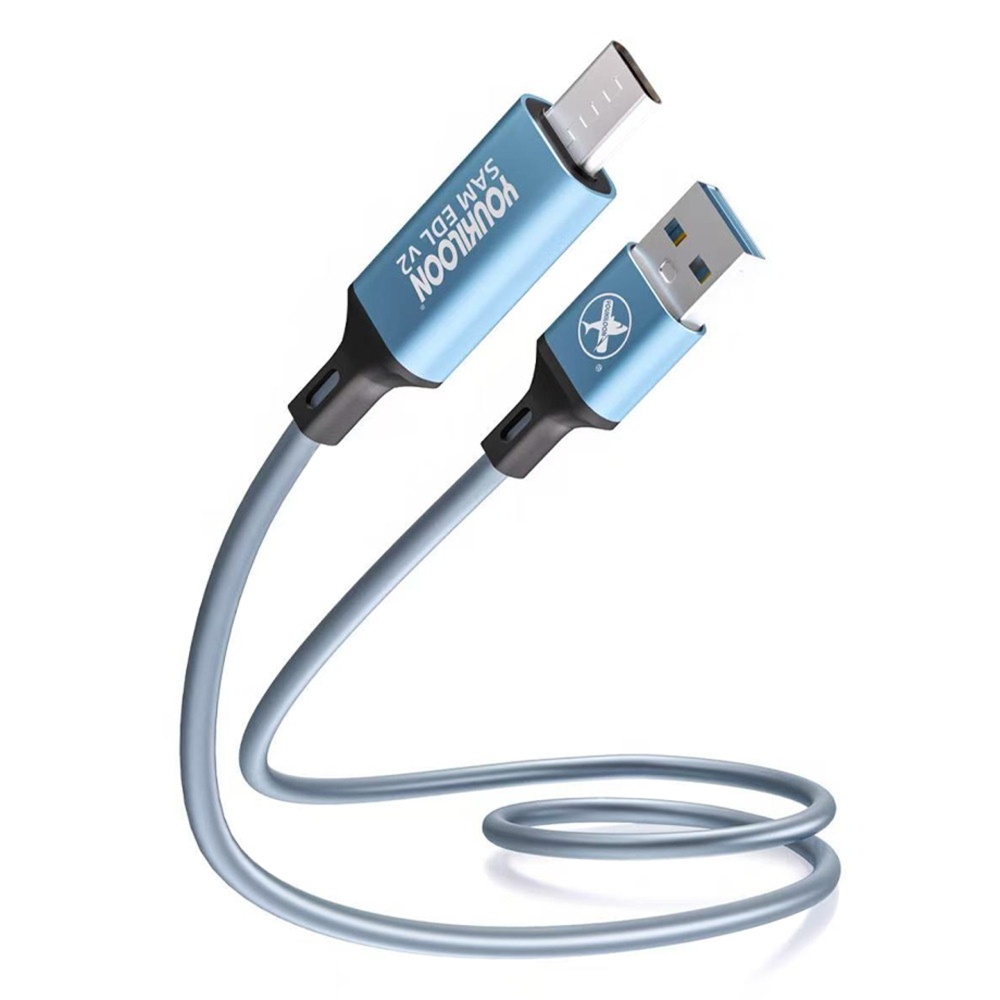
YOUKILOON SAM EDL V2 Samsung Download Mode Cable | USB Type-C EDL Flashing & Unbrick Too


₹ 399 ₹ 1100 64% off


  • Professional Type-C EDL cable to unbrick dead Samsung smartphones.

  • Force Samsung devices into download mode for easy firmware flashing.

  • Essential hardware tool for Qualcomm 9008 deep flash repair.

  • Premium Type-C flashing cable built for expert mobile technicians.

  • Easily bypass locked screens and unbrick dead Samsung mobile phones.

  • Reliable emergency download mode cable for quick Android software repair.

  • Instantly force EDL mode on Samsung devices without test points.

  • Ultimate Type-C unbrick solution for Samsung Qualcomm smartphone models.

  • High-success hardware tool designed for instant Samsung firmware upgrading.

  • Compact mobile repair cable for safe, effective Samsung software flashing.

1

Description

YOUKILOON SAM EDL V2 Samsung Download Mode Cable | USB Type-C EDL Flashing & Unbrick Too


1. Core Technical Specifications

Attribute Specification Details
Product Name YOUKILOON SAM EDL V2 Universal Download Mode Cable
Primary Function Automatic Samsung Download Mode trigger & Unbrick tool
Hardware Interface Reversible USB Type-C (Device side) to USB-A (Host/Power side)
Max Power Output Up to 65W (Supports fast charging during operations)
Data Transfer Speed Up to 5 Gbps (High-speed stable data transmission)
Materials Used Premium ABS plastic shell with reinforced copper core insulation
Cable Length 1000mm (1 Meter)
Trigger Mechanism Internal automated hardware signal switching (No manual test-points required)

2. Key Features & Operational Benefits

Feature How It Helps Technicians
Button-Free Execution Instantly triggers Download Mode upon connection; no need to stress over broken volume or power buttons.
Test-Point Free Solution Eliminates the risk of opening sealed glass backs or shorting physical motherboard pins to achieve deep flash status.
Server Auth Bypass Works entirely via local hardware signals, decreasing reliance on expensive or paid server authentication platforms.
No-PC Boot Capability Can be powered via a power bank or wall adapter to force-trigger the boot mode before plugging into a PC.
Anti-Interruption Build Engineered with robust shielding to drastically reduce data drops during critical firmware flashing processes.
Dual-Mode Utility Functions seamlessly as both a software repair tool and a high-speed charging/data transfer cable.

3. Comprehensive Device Compatibility Matrix

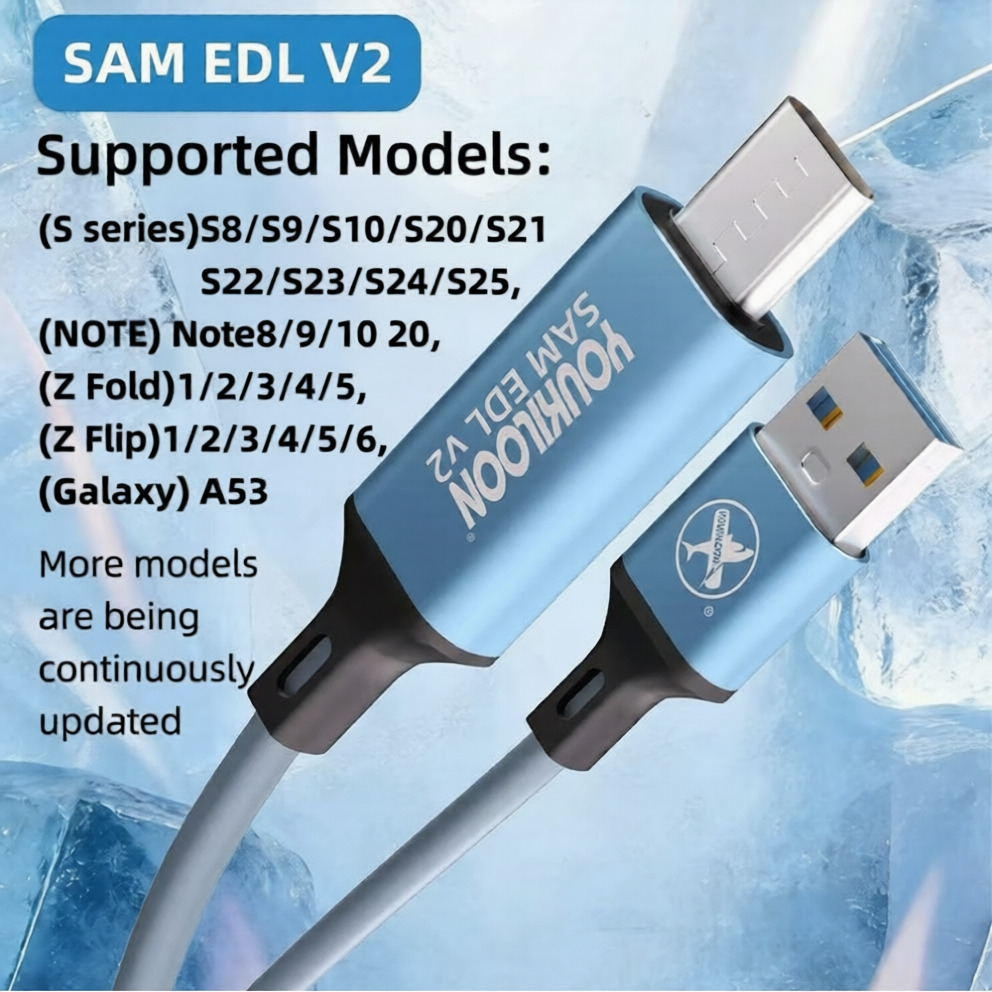
The SAM EDL V2 version is optimized specifically for Samsung's major modern lineups.

Samsung Galaxy Series Supported Device Models
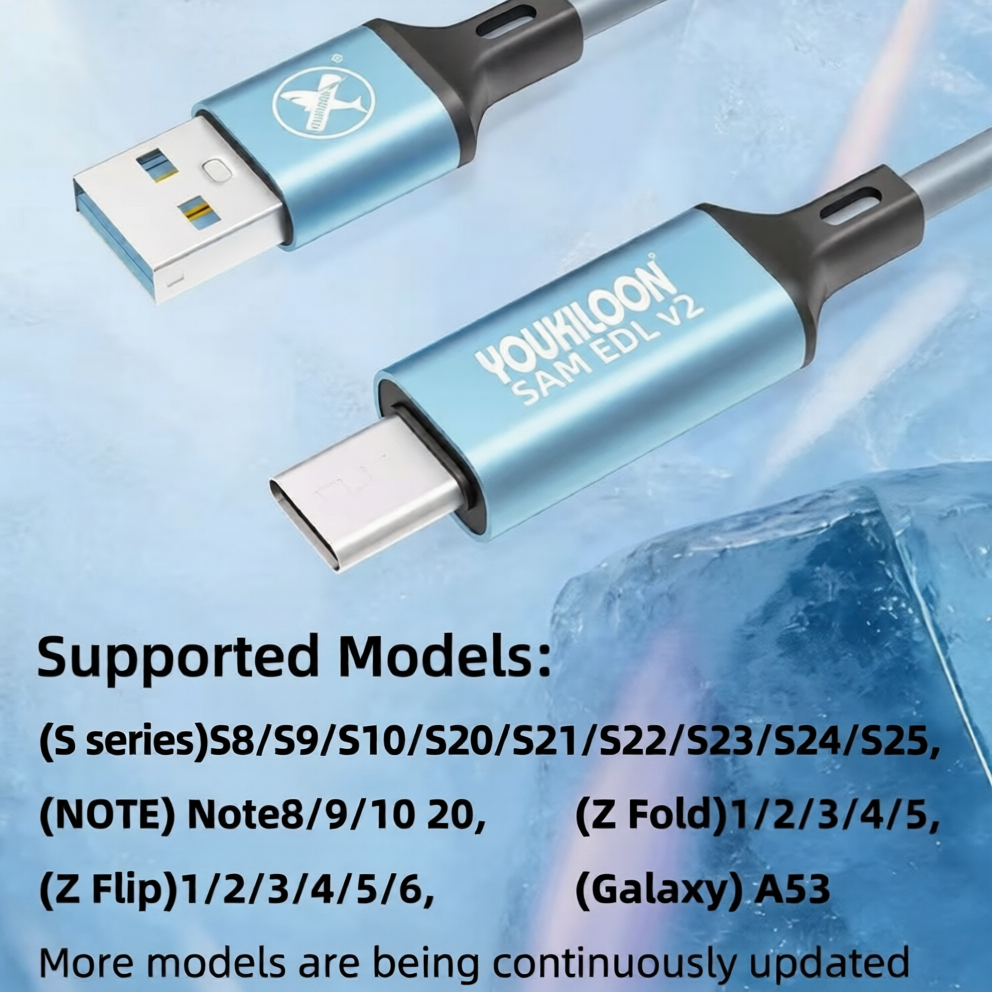
Galaxy S Series S8, S9, S10, S20, S21, S22, S23, S24, S25 (including Plus and Ultra variants)
Galaxy Note Series Note 8, Note 9, Note 10, Note 20, Note 20 Ultra
Galaxy Z Fold Series Fold 1, Fold 2, Fold 3, Fold 4, Fold 5
Galaxy Z Flip Series Flip 1, Flip 2, Flip 3, Flip 4, Flip 5, Flip 6
Galaxy A Series A50, A53, A70, A80, A90 (specifically Qualcomm-based/EDL-receptive iterations)

4. Primary Use Cases & Software Tool Compatibility

Repair Scenario Compatible Software & Flashing Tool Ecosystems

* Unbricking soft/hard-bricked devices


* Fixing bootloop issues or "Stuck on Logo" faults


* Restoring corrupted firmware partitions


* Downgrading or upgrading official stock ROMs


* Bypassing inaccessible or broken fastboot interfaces

* Odin (Official Samsung Flashing Tool)


* SamFirm / Frija (Firmware download integration)


* Hydra Dongle / Hydra Tool


* Chimera Tool


* Z3X Samsung Tool Pro


* Octopus / Octoplus Box

5. Standard Step-by-Step Operating Procedure

Using this cable correctly protects the target device's power IC from sudden surges.


1.Power Down and Prepare:Prerequisite.

Ensure the target Samsung smartphone is completely powered off. Open your preferred flashing utility (like Odin or Z3X) on the PC and load your stock firmware files.

2.Initialize the Cable Signal:Power Source Connection.

Plug the USB-A end of the YOUKILOON cable into a power source (PC USB port, power bank, or standard charging brick). The cable requires live current to broadcast its hardware boot signature.

3.Connect Target Smartphone:Automatic Handshake.

Insert the Type-C end into the powered-down smartphone. The phone's internal charging and boot control chips will instantly recognize the specialized hardware configuration.

4.Verify Mode and Flash:Execution.

The device screen will automatically illuminate and flip into the bright green Samsung Download Mode screen (or standard black screen if executing an EDL 9008 protocol layout). Verify the COM port maps correctly inside your PC software, then hit "Flash".

YOUKILOON SAM EDL V2 Samsung Download Mode Cable | USB Type-C EDL Flashing & Unbrick Too

YOUKILOON SAM EDL V2 Samsung Download Mode Cable | USB Type-C EDL Flashing & Unbrick Too

YOUKILOON SAM EDL V2 Samsung Download Mode Cable | USB Type-C EDL Flashing & Unbrick Too

YOUKILOON SAM EDL V2 Samsung Download Mode Cable | USB Type-C EDL Flashing & Unbrick Too

Verified Reviews

Related Products

Borneo Schematics 2 Users (6 Months) Activation/Renew Code

₹ 4049 ₹ 8000
49% off    

1

TMS ISP ADAPTOR

₹ 848 ₹ 1500
43% off    

1

M600 2IN1 SOFTWARE CABLE

₹ 189.00 ₹ 300
37% off    

1

Only 2 Product left!

EASY JTAG U-SOCKET ADAPTER FOR EASY JTAG PLUS BOX

₹ 498.00 ₹ 1000
50% off    

1

Only 3 Product left!

Borneo Schematics 2 Users (3 Months) Activation/Renew Code

₹ 2249 ₹ 4400
49% off    

1

LG3500/V8 2IN1 SOFTWARE CABLE

₹ 149.00 ₹ 250
40% off    

1

EME Mobile Tool (EMT) Standard Edition License Activation

₹ 4798 ₹ 9500
49% off    

1

M600 SINGLE USB CABLE

₹ 135 ₹ 280
52% off    

1