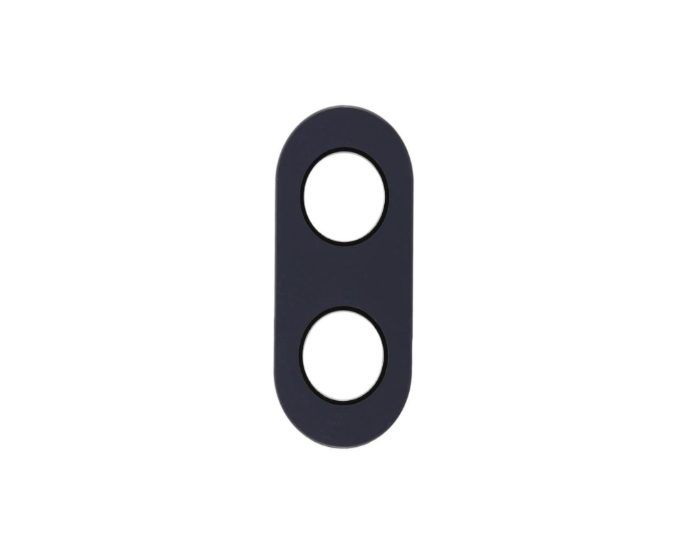
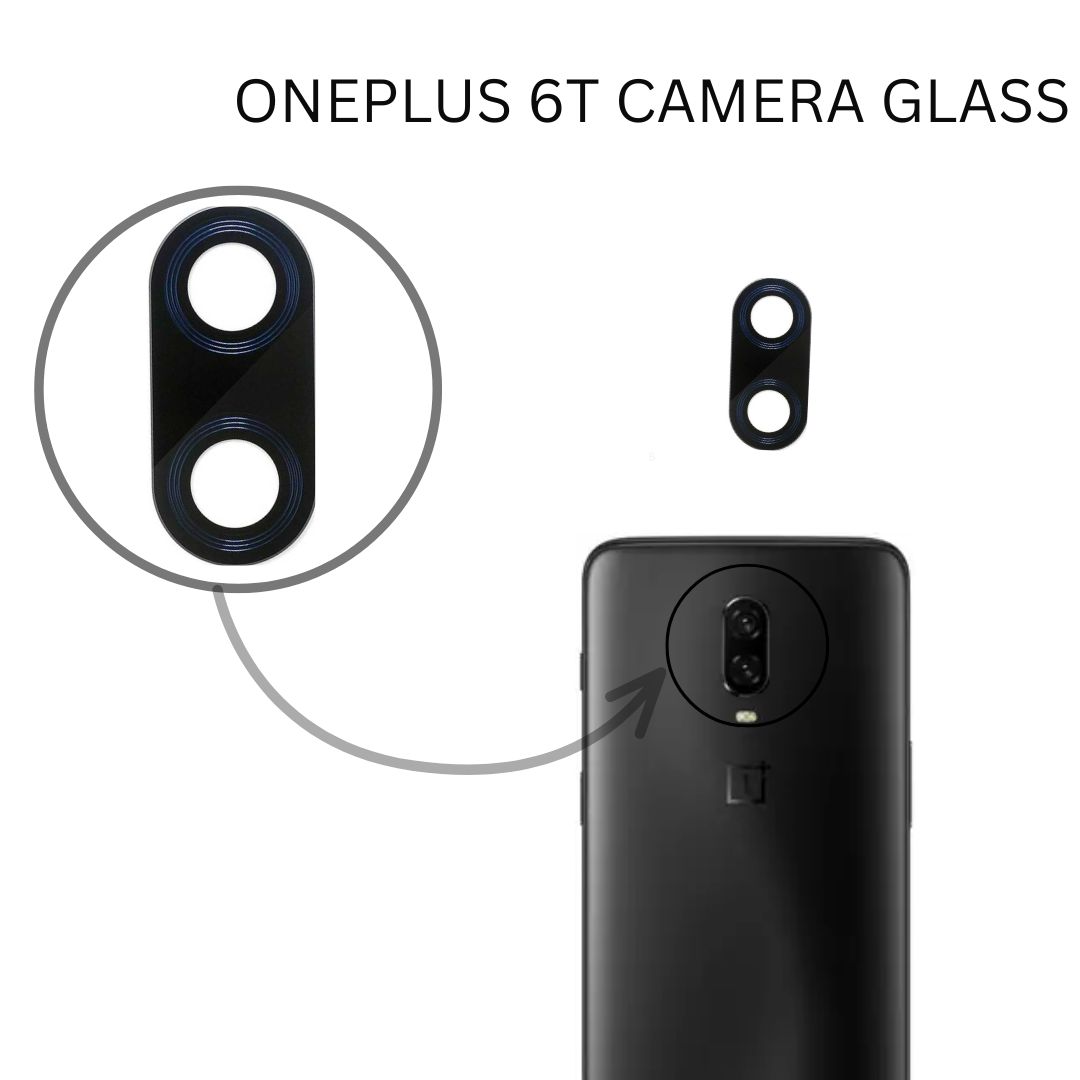
ONEPLUS 6T CAMERA GLASS


₹ 17 ₹ 40 58% off


  • Perfect Fit for OnePlus 6T rear camera

  • High Transparency Glass for clear, distortion-free photos

  • Strong Adhesive for firm placement

  • Scratch & Dust Resistant

  • Easy Installation – no soldering or technician required

5

Description

ONEPLUS 6T CAMERA GLASS


Purchase the Replacement Part: You'll need to find a replacement camera glass specifically designed for the Redmi Note 6 Pro. You can often find these replacement parts online through electronics parts suppliers or mobile repair shops.

Gather Necessary Tools: You'll need tools like a small screwdriver, plastic pry tools, adhesive, and a heat gun or hairdryer (to soften the adhesive).

Power Off the Device: Ensure your phone is turned off before you begin the repair process.

Heat the Old Camera Glass: Use a heat gun or hairdryer to gently warm the adhesive around the camera glass. Be careful not to overheat and damage the phone.

Pry Off the Old Glass: Once the adhesive is softened, use plastic pry tools to carefully remove the old camera glass. Be gentle to avoid damaging the camera module.

Clean the Area: Clean any remaining adhesive or residue from the camera module area.

Attach the New Camera Glass: Carefully apply adhesive to the new camera glass and attach it to the camera module. Ensure it's properly aligned.

Reassemble Your Phone: If you removed the back cover, reassemble your phone, making sure all components are properly secured.


ONEPLUS 6T CAMERA GLASSONEPLUS 6T CAMERA GLASS

Verified Reviews

Related Products

OPPO K1 CHARGING FLEX

₹ 33 ₹ 90
63% off    

2

oppo a54 Battery Connector

₹ 17 ₹ 50
66% off    

5

Samsung A12/M12 Sim Outer

₹ 19 ₹ 99
81% off    

2

REDMI Y1/ Y1 LITE FINGERPRINT SENSOR

₹ 154.00 ₹ 250
38% off    

1

Only 4 Product left!

Asus ZF Max CHARGING Board

₹ 43 ₹ 100
57% off    

2

Realme 6 Pro Sim Outer

₹ 16 ₹ 25
36% off    

2

IPHONE 11 PRO MAX WHITE CHARGING FLEX

₹ 459 ₹ 1000
54% off    

1

REDMI NOTE 5 CAMERA GLASS

₹ 11 ₹ 30
63% off    

5