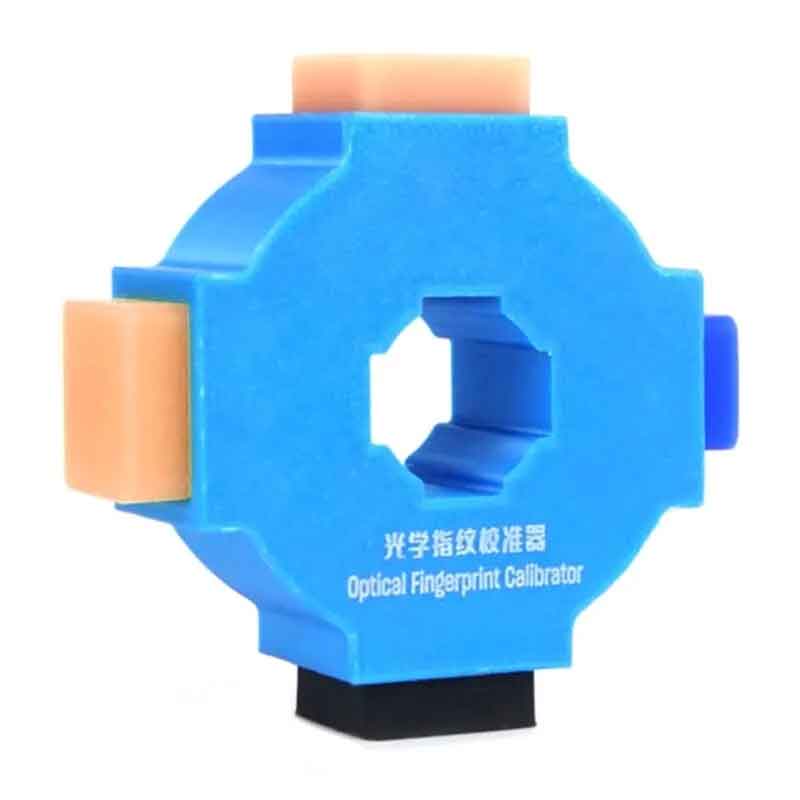
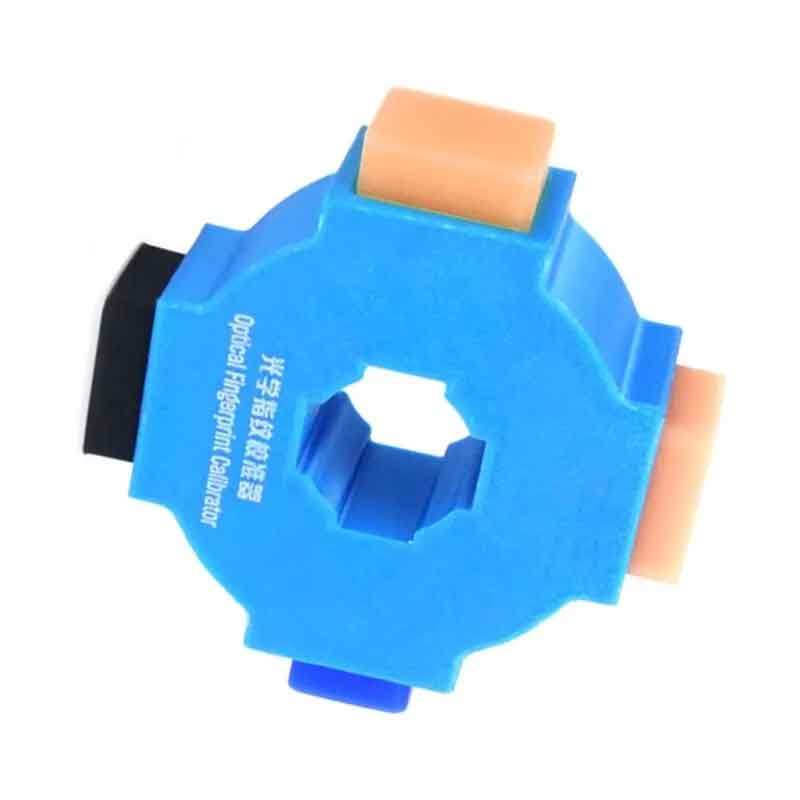
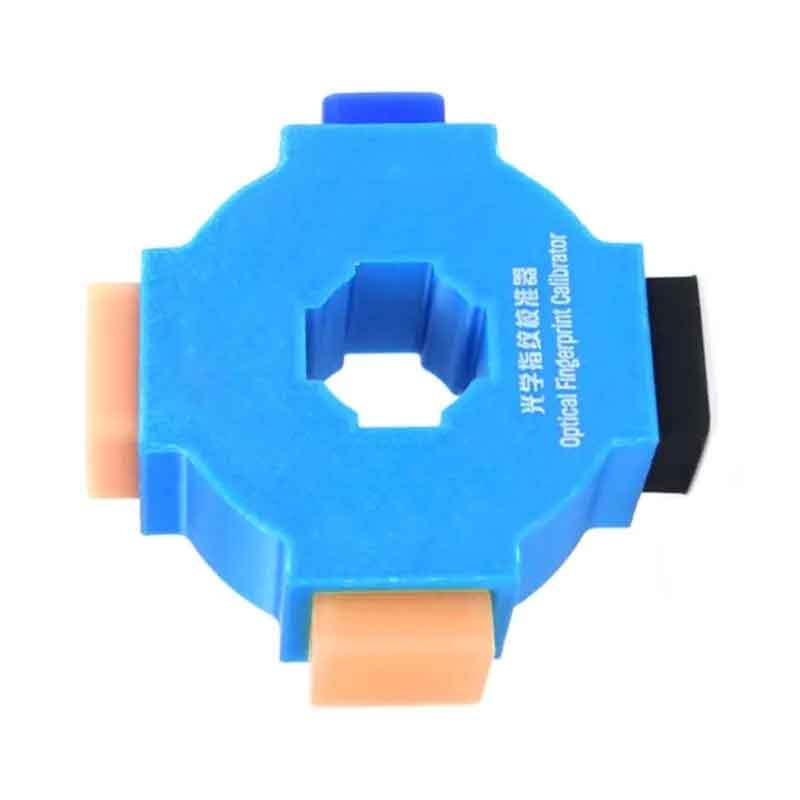
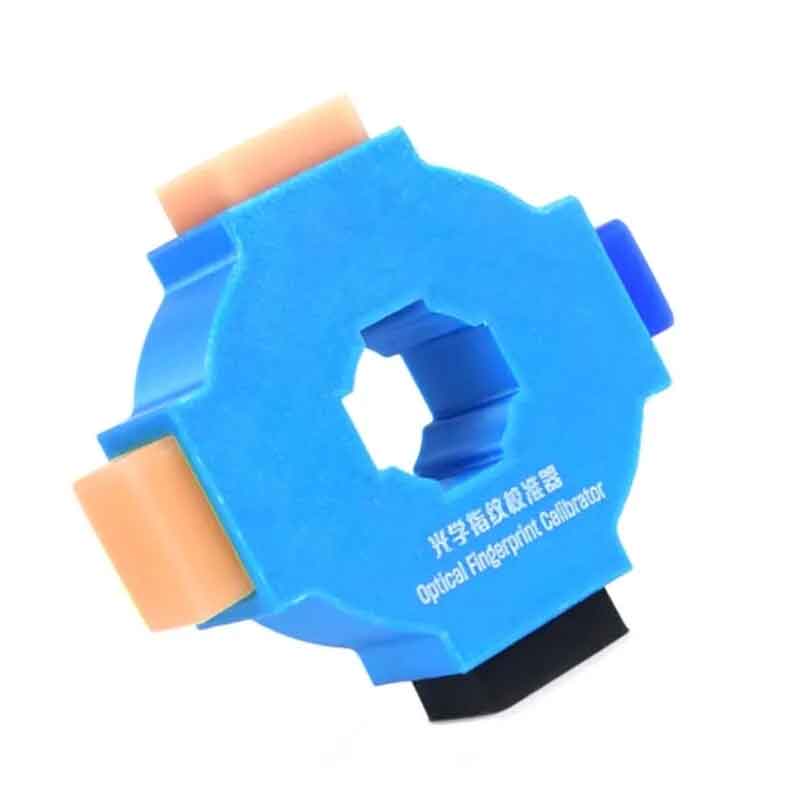
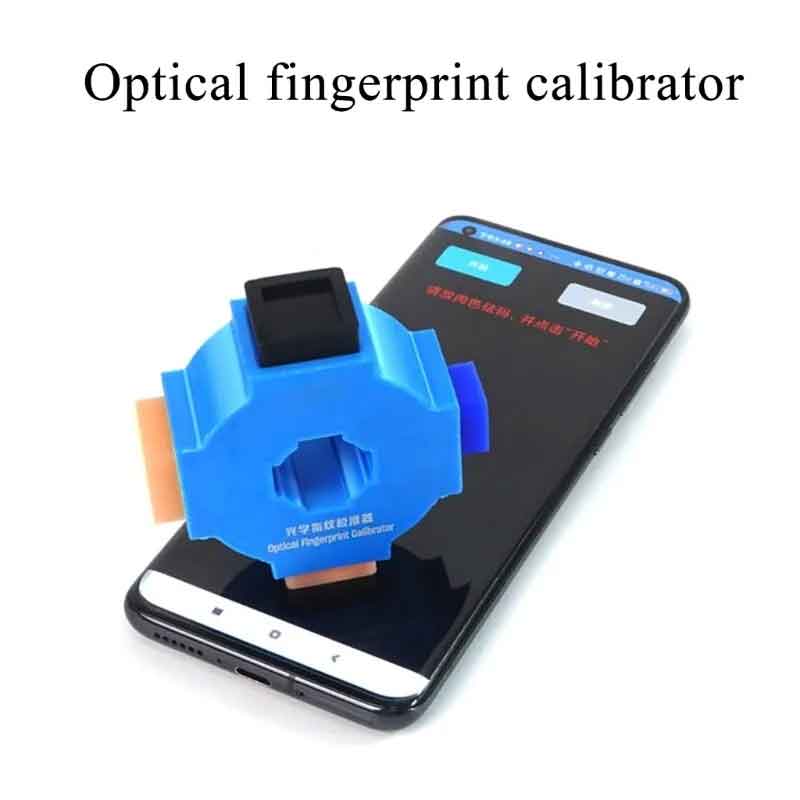
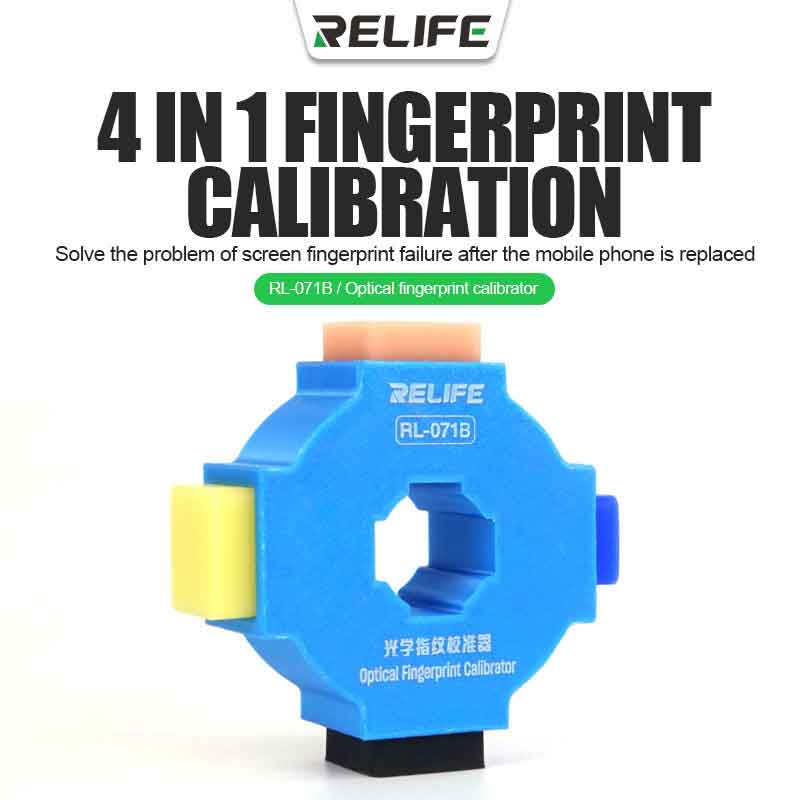
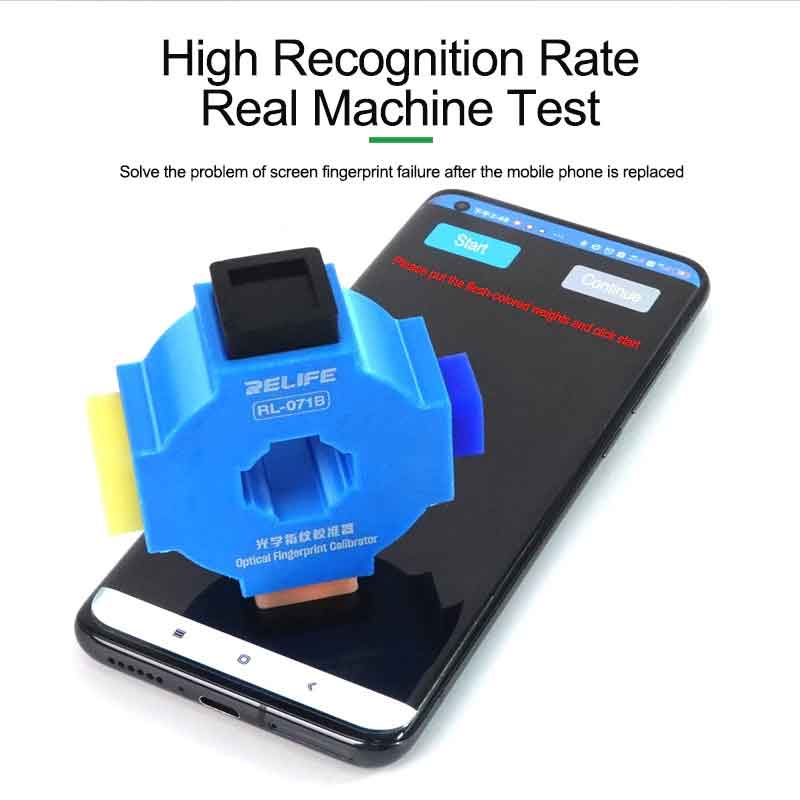
Relife RL-071B 4in1 Fingerprint Calibrator
* Easy to operate
* Quick calibration
* Small and portable
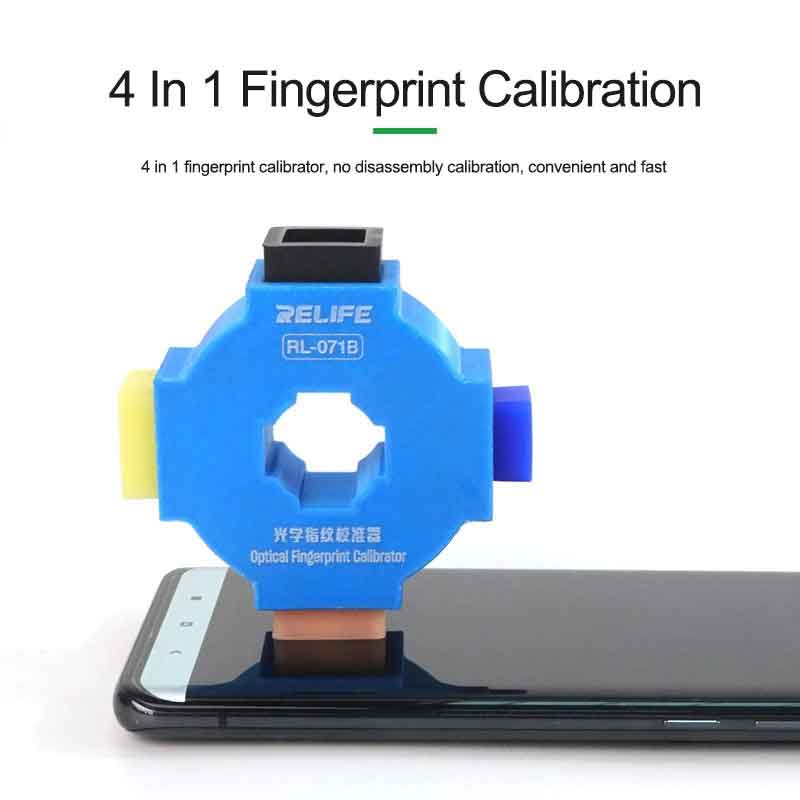
* 4 in 1 fingerprint calibrator
* No disassembly calibration
Out of StockRelife RL-071B 4-in-1 Optical Fingerprint Calibrator
The Relife RL-071B is a specialized professional tool designed for technicians performing mobile phone screen replacements. In many modern smartphones, replacing an organic light-emitting diode (OLED) or liquid crystal display (LCD) can cause the under-screen optical fingerprint scanner to lose its calibration, resulting in "Fingerprint Enrollment Failed" errors. The RL-071B serves as the physical hardware standard required to recalibrate these sensors effectively.
| Feature | Details |
| Product Model | Relife RL-071B |
| Device Type | Optical Fingerprint Calibrator (4-in-1 Design) |
| Compatibility | Android Systems (Huawei, Xiaomi, OPPO, VIVO, Samsung, etc.) |
| Functionality | Corrects under-screen optical fingerprint recognition failure after screen replacement |
| Materials | Industrial-grade composite with standardized reflective surfaces |
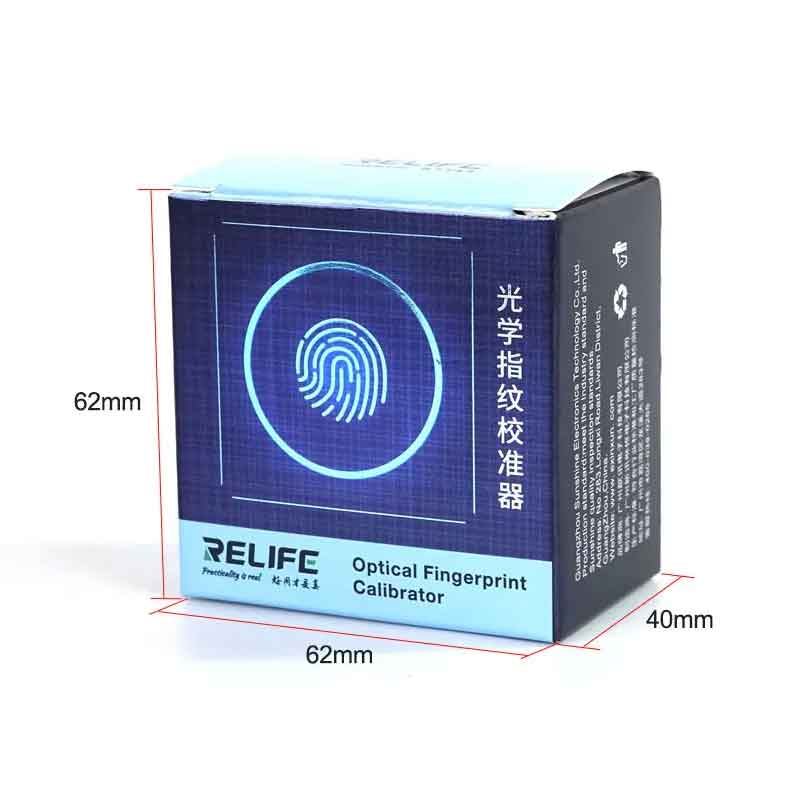
| Dimensions | Approx. 45mm x 35mm (Compact, pocket-sized) |
| Included Components | Rubber Base, Calibration Blocks (Checkerboard/Flesh-tone/Reflective) |
Comprehensive Calibration: Solves the common issue where fingerprint sensors fail to read or register after a screen has been swapped or the device has been disassembled.
4-in-1 Versatility: Features four distinct surfaces required by different manufacturer software protocols to simulate real-world conditions (texture, light reflection, and depth).
High Precision: Built to match the OEM (Original Equipment Manufacturer) specifications for light absorption and reflection, ensuring the sensor's software "learns" the correct baseline again.
Durability: Made from materials resistant to oils and cleaning agents, ensuring the calibration surfaces remain pure and effective over multiple uses.
| Step | Action |
| 1. Preparation | Ensure the screen is clean and free of dust. Remove any screen protectors that might interfere with the optical path. |
| 2. Enter Test Mode | Access the device's engineering or factory menu (e.g., via dialer codes like *#*#6484#*#* for Xiaomi or specialized service software). |
| 3. Select Calibration | Navigate to "Fingerprint Sensor" or "Optical Calibration." |
| 4. Align Tool | Place the RL-071B base over the fingerprint sensor area as prompted by the screen. |
| 5. Follow Prompts | The software will ask for different "targets" (e.g., Black, Flesh, or Patterned). Rotate or swap the RL-071B surfaces accordingly. |
| 6. Verification | Once the software confirms "Calibration Successful," restart the device and test the fingerprint enrollment. |


Relife RL-004M B11 Green Heat Insulated Pad For Microscope B11 Base
1
Only 1 Product left!