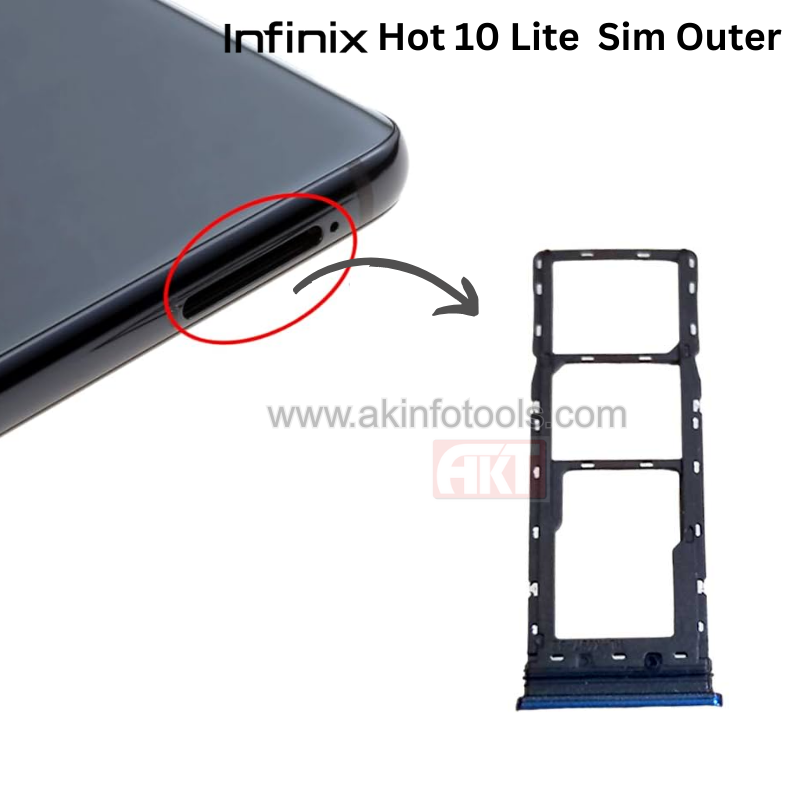
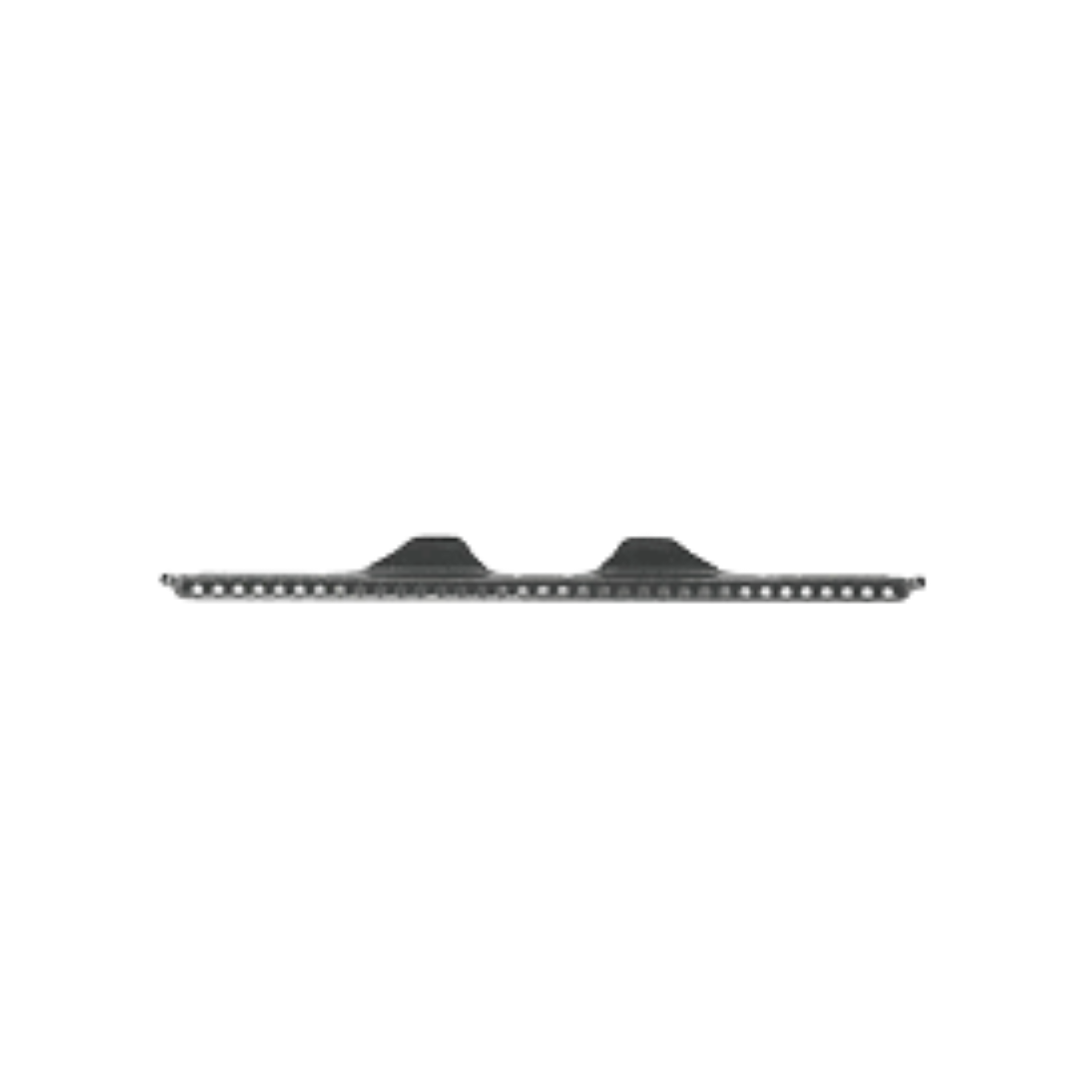
Infinix Hot 10 Lite Sim Outer


₹ 18 ₹ 50 64% off


2

Description

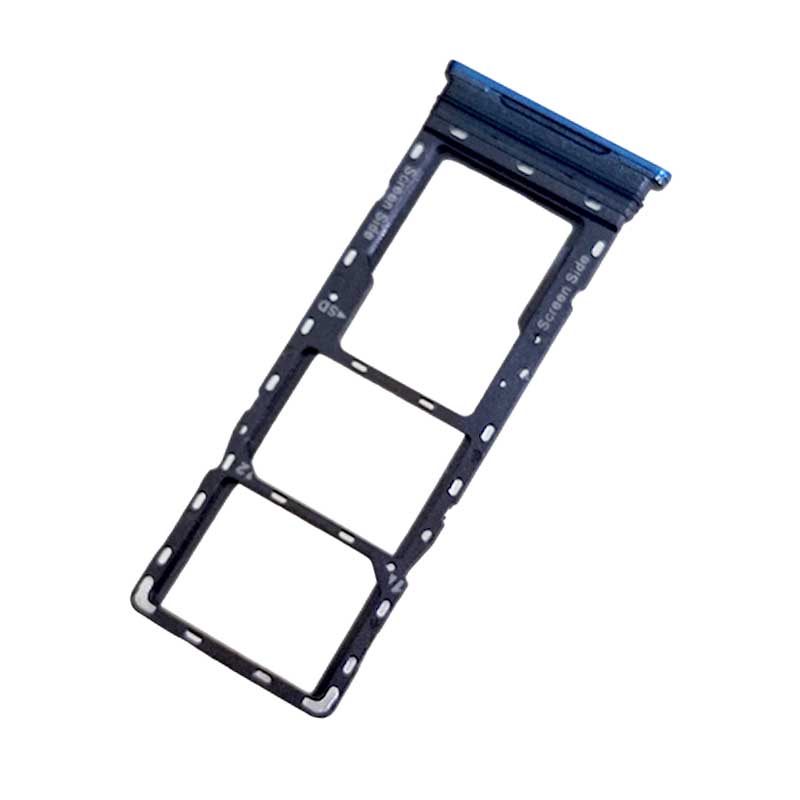
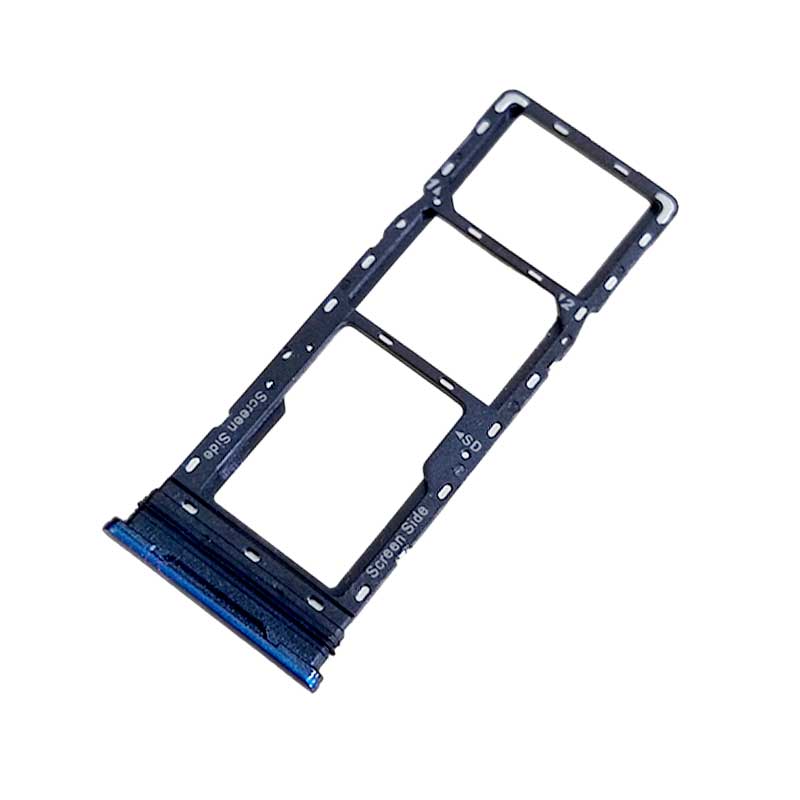
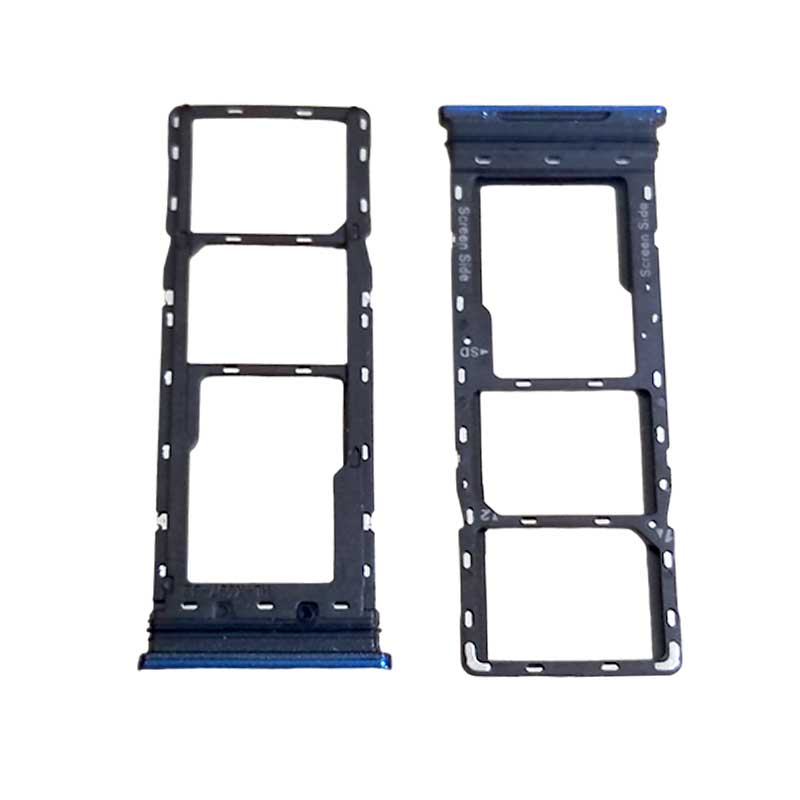
Infinix Hot 10 Lite SIM Outer

  • Function: The SIM outer component is an integral part of the SIM card tray assembly. It ensures the secure placement and protection of the SIM card tray within the Infinix Hot 10 Lite Sim Outer

  • Access to SIM Slot: It allows users to access the SIM card slot(s) on the side of the phone, enabling the insertion and removal of SIM cards.

  • Dual SIM Support: If the Infinix Hot 10 Lite Sim Outer supports dual SIM functionality, the SIM outer is essential in securely holding both SIM cards within the SIM tray.

  • Replacement: If the SIM outer is damaged or lost, it's important to replace it with the appropriate part specifically designed for the Infinix Hot 10 Lite. This ensures the correct fit and functionality of the SIM card tray.

  • Availability: Replacement SIM outer parts can usually be sourced from authorized Infinix Hot service centers, official retailers, or reputable mobile phone repair shops.

  • Importance for SIM Usage: Installing the correct SIM outer is crucial for maintaining the integrity of the SIM card tray, ensuring proper functioning and protection of the SIM cards in the device.


For All Sim Outer

This image is for reference purposes only. The actual product delivered will be exactly as mentioned in the product title/name.

Please note: The product colour shipped will depend on current stock availability. We cannot guarantee delivery of the same colour shown in the image, and colour selection is not available.

Infinix Hot 10 Lite Sim Outer

Infinix Hot 10 Lite Sim Outer

INFINIX HOT 10 LITE SIM OUTER 2

SIM Tray FAQ

1. What is a SIM tray?

A SIM tray is a small slot in your mobile device that holds the SIM card, allowing your phone to connect to your carrier's network.

2. How do I open the SIM tray?

Use the SIM ejector tool provided with your phone. Insert it into the small pinhole next to the SIM tray and apply gentle pressure until it pops out. If you don't have the ejector tool, a small paperclip or a thin needle can serve as an alternative.

3. What should I do if the SIM tray is stuck?

  • Check for Obstructions: Dust or debris can cause the tray to jam. Clean the area gently.

  • Use Gentle Pressure: Insert the ejector tool and apply steady, gentle pressure. Avoid forcing it.

  • Alternative Tools: If the ejector tool isn't working, a paperclip can be used carefully.

  • Seek Professional Help: If the tray remains stuck, consult a technician to prevent damage.

4. Can I use a SIM tray from another phone model?

It's not recommended. SIM trays are designed specifically for each phone model. Using an incompatible tray can lead to poor fit or damage.

5. How do I insert the SIM card correctly?

  • Align Properly: Place the SIM card in the tray with the gold contacts facing down and the notched corner aligned with the tray.

  • Insert Gently: Slide the tray back into the phone carefully until it clicks into place.


Verified Reviews

Related Products

NOKIA 7.1 CHARGING Board

₹ 53 ₹ 110
52% off    

2

Only 4 Product left!

VIVO V15 PRO RINGER BOX

₹ 144 ₹ 200
28% off    

2

Samsung A51 LCD Connector

₹ 22 ₹ 50
56% off    

2

NOKIA 5.3 CAMERA GLASS

₹ 22 ₹ 50
56% off    

5

MOTO Z RINGER BOX

₹ 73 ₹ 150
51% off    

2

HUAWEI Y7 2019 RINGER BOX

₹ 49 ₹ 50
2% off    

2

OPPO A52 CHARGING FLEX

₹ 66.00 ₹ 140
53% off    

2

Samsung A30 Charging Board

₹ 46 ₹ 150
69% off    

2