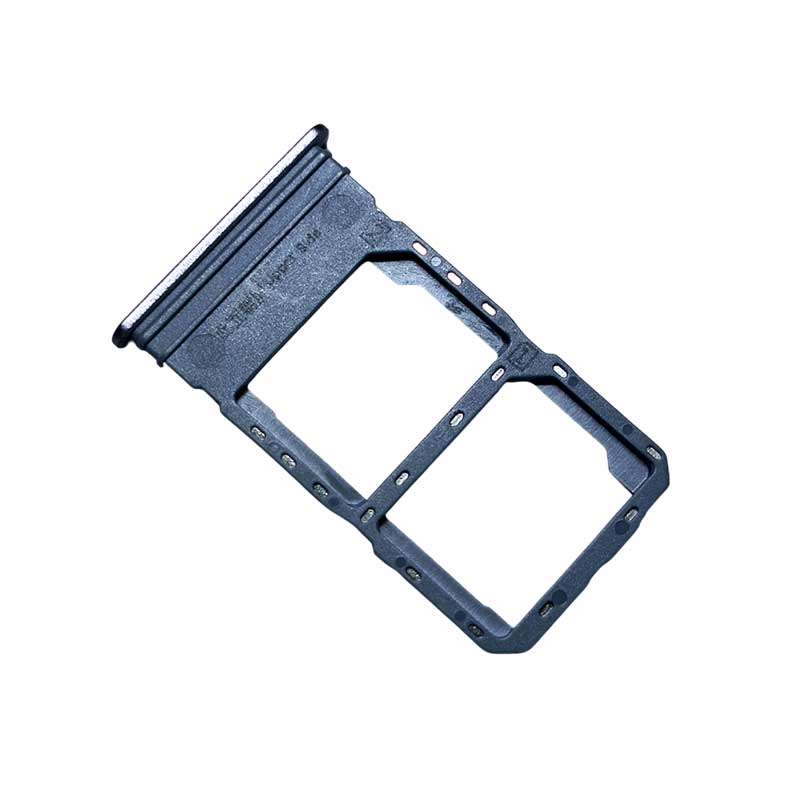
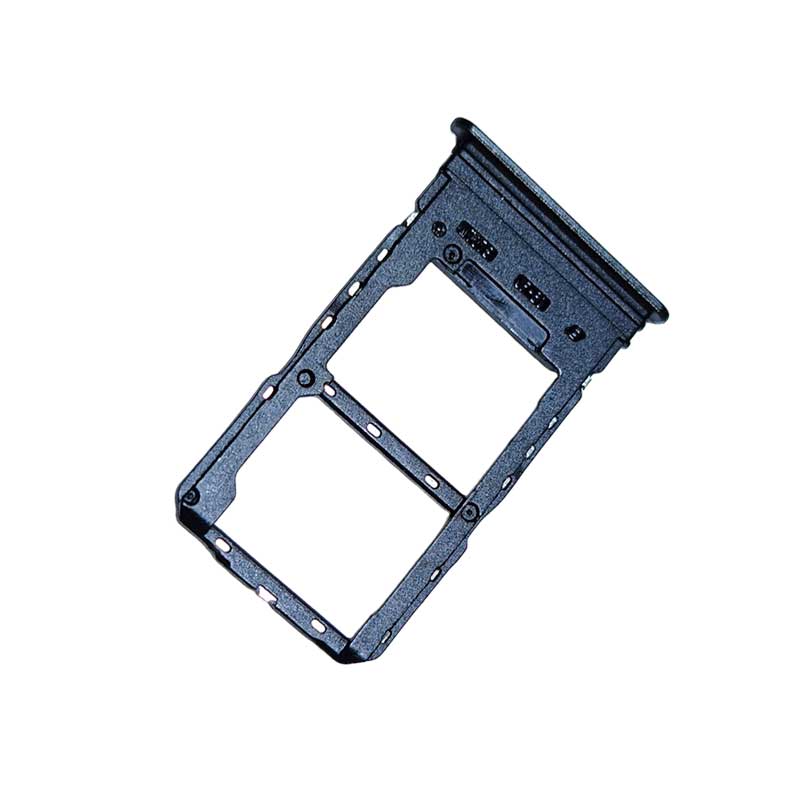
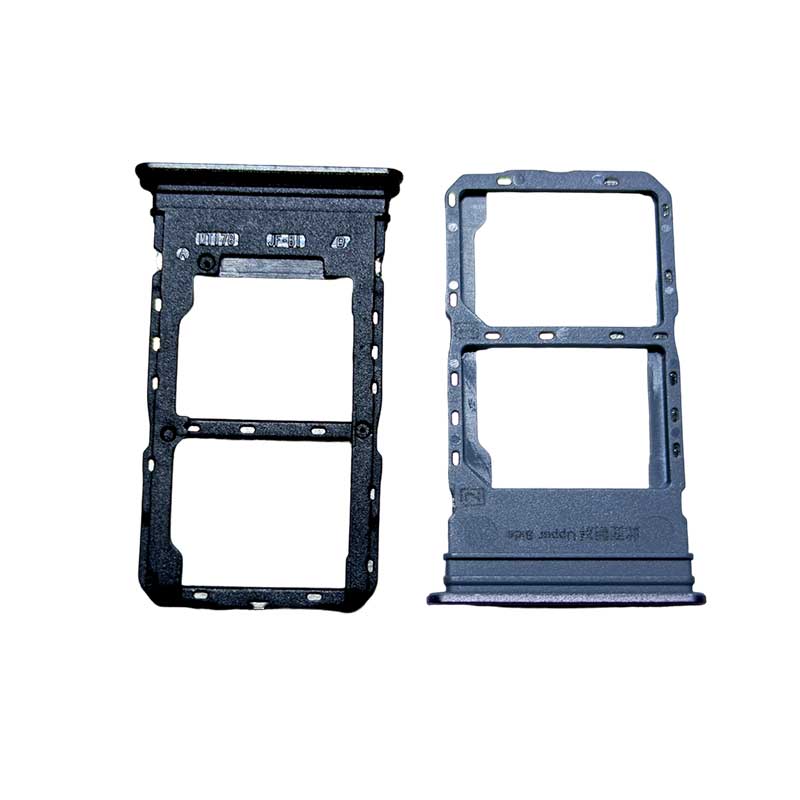
Vivo T2x Sim Outer
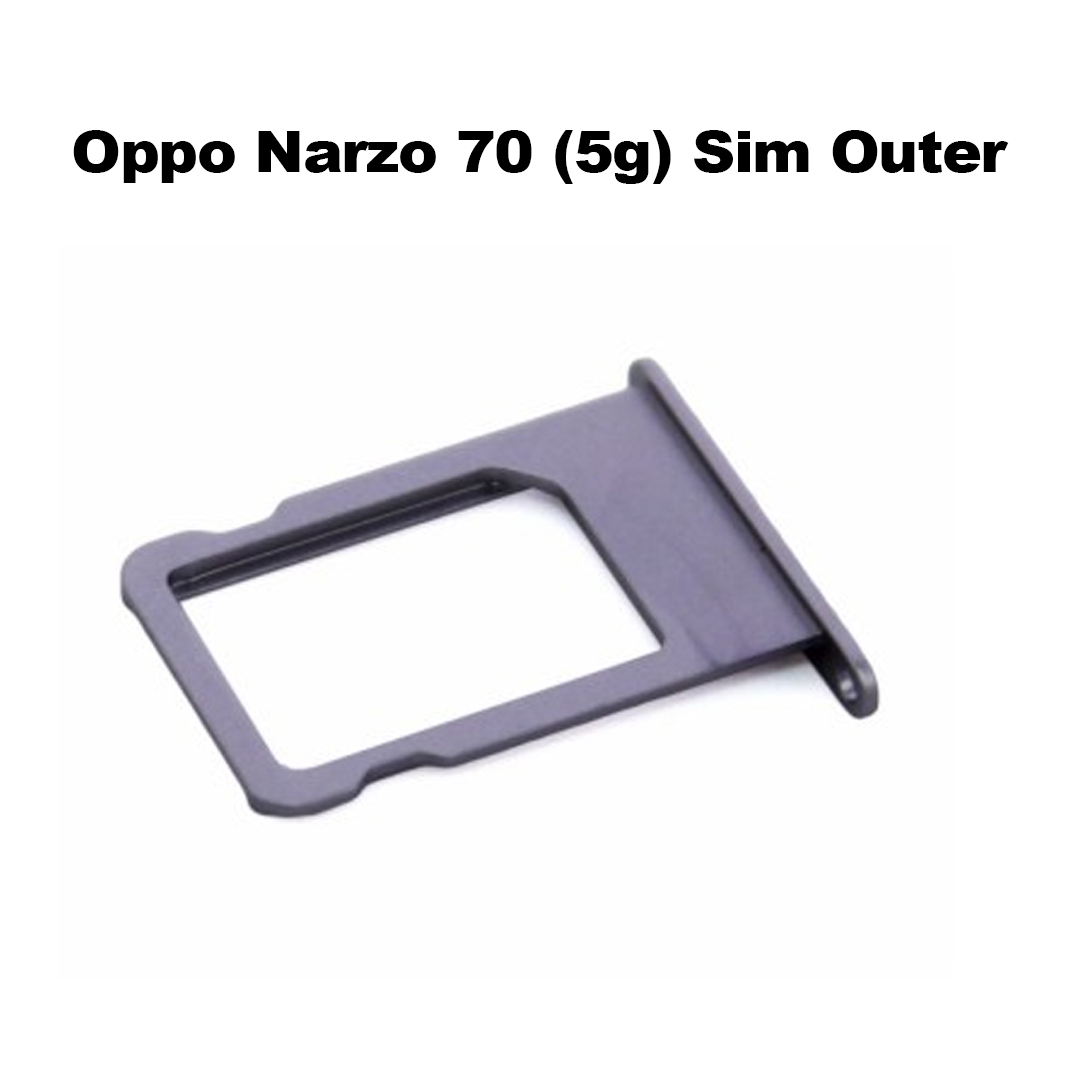
High-quality SIM outer tray for Vivo T2x with perfect fitting and durability.
Replacement SIM card holder designed specifically for Vivo T2x smartphones.
Strong and lightweight Vivo T2x SIM outer tray for secure SIM placement.
Ideal spare SIM tray for damaged or lost Vivo T2x SIM holders.
Precision-cut Vivo T2x SIM outer for easy installation and perfect alignment.
Durable SIM card slot outer compatible with Vivo T2x model.
Restore your phone’s SIM functionality with this Vivo T2x SIM tray replacement.
Premium quality Vivo T2x SIM outer built for long-lasting use.
Reliable SIM holder outer to keep your Vivo T2x SIM card safe.
Best replacement SIM outer tray for Vivo T2x mobile repair needs.
2
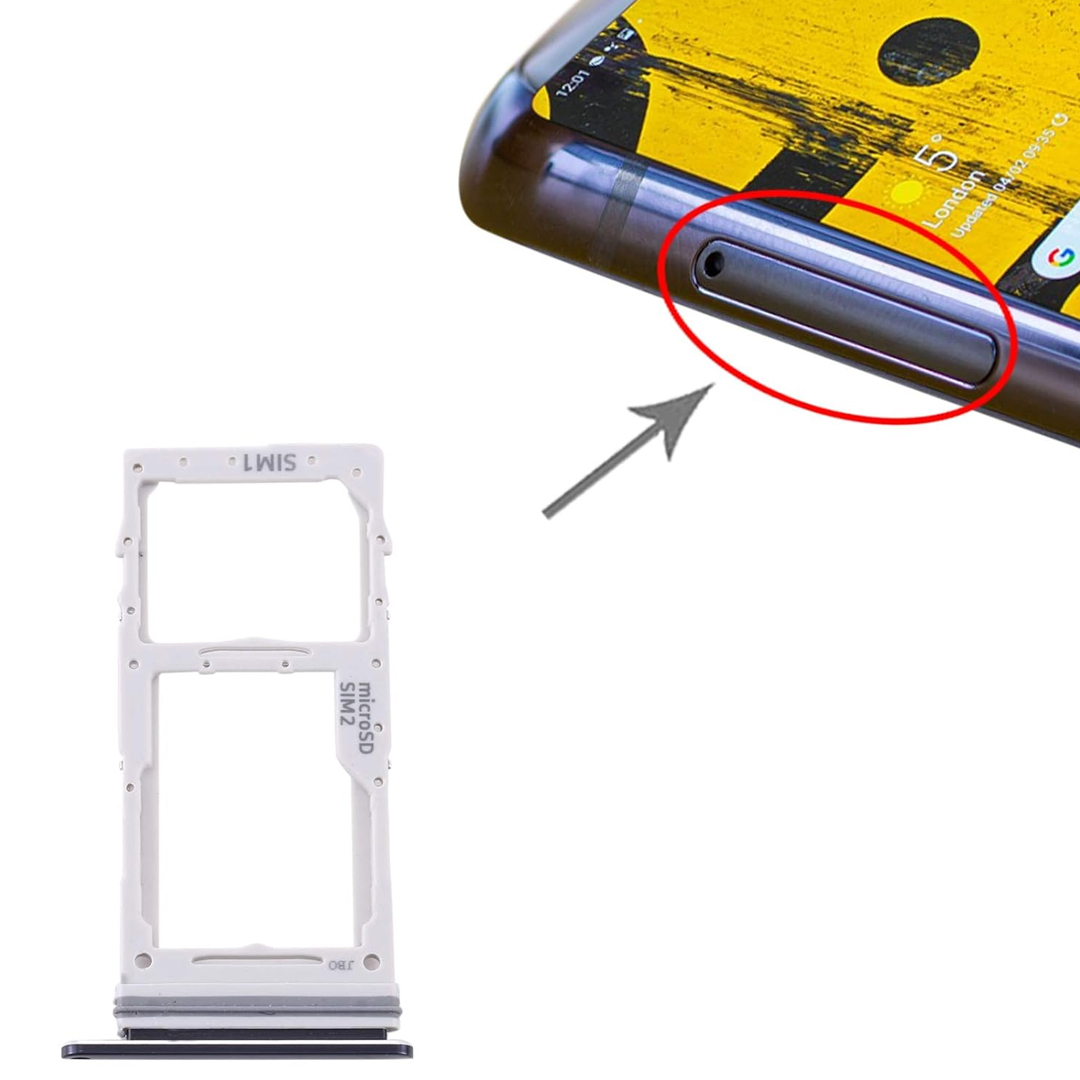
For All Sim Outer
This image is for reference purposes only. The actual product delivered will be exactly as mentioned in the product title/name.
Please note: The product colour shipped will depend on current stock availability. We cannot guarantee delivery of the same colour shown in the image, and colour selection is not available.


A SIM tray is a small slot in your mobile device that holds the SIM card, allowing your phone to connect to your carrier's network.
Use the SIM ejector tool provided with your phone. Insert it into the small pinhole next to the SIM tray and apply gentle pressure until it pops out. If you don't have the ejector tool, a small paperclip or a thin needle can serve as an alternative.
Check for Obstructions: Dust or debris can cause the tray to jam. Clean the area gently.
Use Gentle Pressure: Insert the ejector tool and apply steady, gentle pressure. Avoid forcing it.
Alternative Tools: If the ejector tool isn't working, a paperclip can be used carefully.
Seek Professional Help: If the tray remains stuck, consult a technician to prevent damage.
It's not recommended. SIM trays are designed specifically for each phone model. Using an incompatible tray can lead to poor fit or damage.
Align Properly: Place the SIM card in the tray with the gold contacts facing down and the notched corner aligned with the tray.
Insert Gently: Slide the tray back into the phone carefully until it clicks into place.