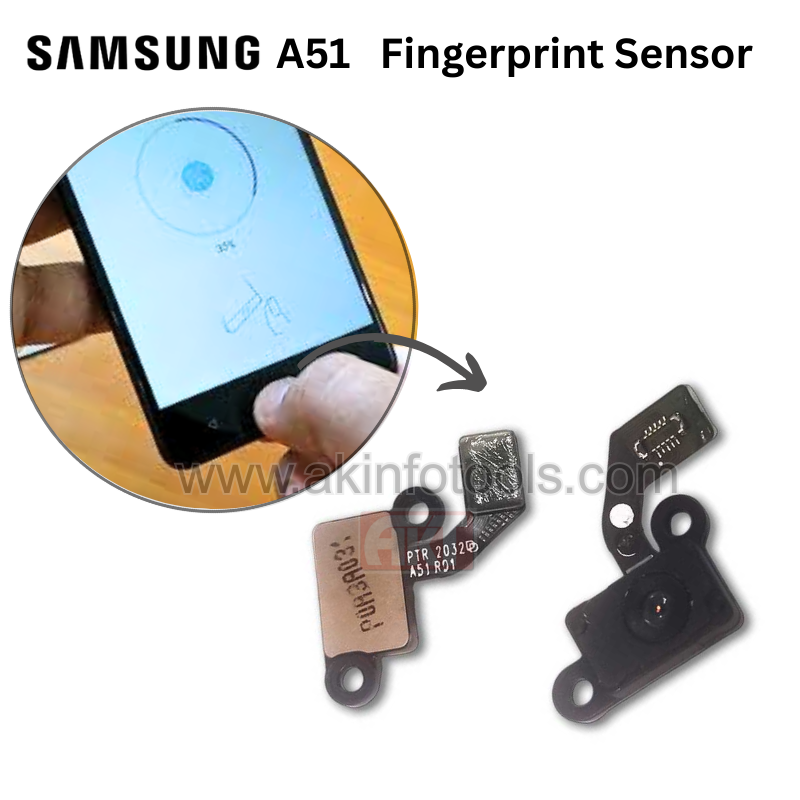
SAMSUNG J7 PRIME BACK BUTTON SENSOR


₹ 44.00 ₹ 50 12% off


1

Only 4 Product left!

Description

SAMSUNG J7 PRIME BACK BUTTON SENSOR

  1. Purchase the Replacement Part: You'll need to find a replacement camera glass specifically designed for the Samsung Galaxy J2. You can often find these replacement parts online through electronics parts suppliers or mobile repair shops.

  2. Gather Necessary Tools: You'll need tools like a small screwdriver, plastic pry tools, adhesive, and a heat gun or hairdryer (to soften the adhesive).

  3. Power Off the Device: Ensure your phone is turned off before you begin the repair process.

  4. Heat the Old Camera Glass: Use a heat gun or hairdryer to gently warm the adhesive around the camera glass. Be careful not to overheat and damage the phone.

  5. Pry Off the Old Glass: Once the adhesive is softened, use plastic pry tools to carefully remove the old camera glass. Be gentle to avoid damaging the camera module.

  6. Clean the Area: Clean any remaining adhesive or residue from the camera module area.

  7. Attach the New Camera Glass: Carefully apply adhesive to the new camera glass and attach it to the camera module. Ensure it's properly aligned.

Verified Reviews

Related Products

Realme C35 OG Charging Board

₹ 93 ₹ 190
51% off    

2

NOKIA 1 ON OFF + VOLUME FLEX

₹ 48 ₹ 60
20% off    

3

Realme C20 LCD Connector

₹ 14 ₹ 50
72% off    

2

SAMSUNG A20E ON OFF+VOLUME FLEX

₹ 26 ₹ 75
65% off    

3

SAMSUNG J7MAX VOLUME FLEX

₹ 28 ₹ 50
44% off    

3

TECNO ID5A ON OFF+VOLUME FLEX

₹ 36 ₹ 60
40% off    

3

SAMSUNG A33 5G SIM OUTER

₹ 12.00 ₹ 50
76% off    

2

SAMSUNG J7 PRIME VOLUME FLEX

₹ 21 ₹ 50
58% off    

3