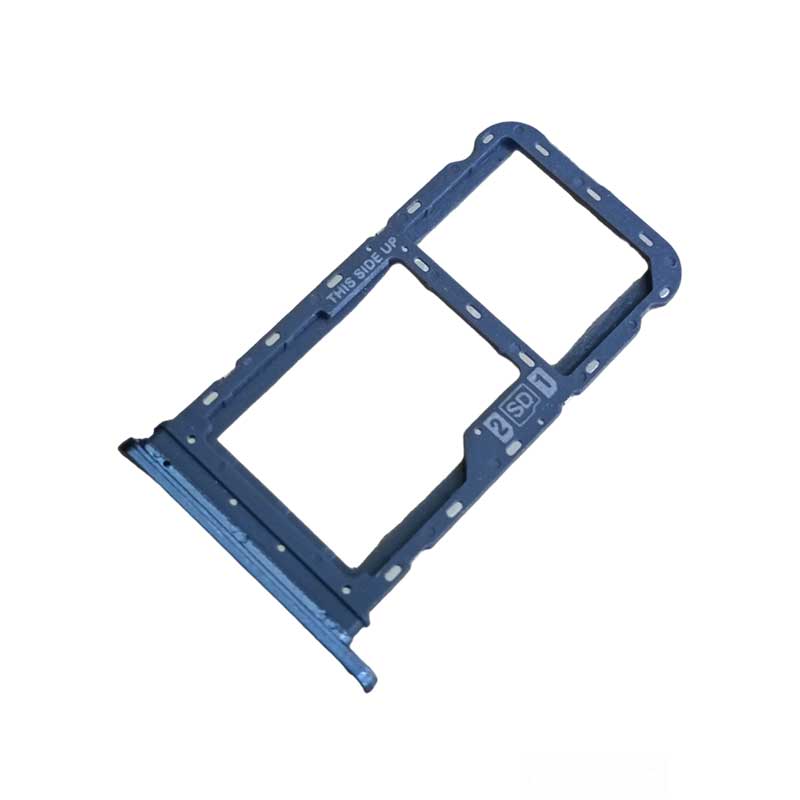
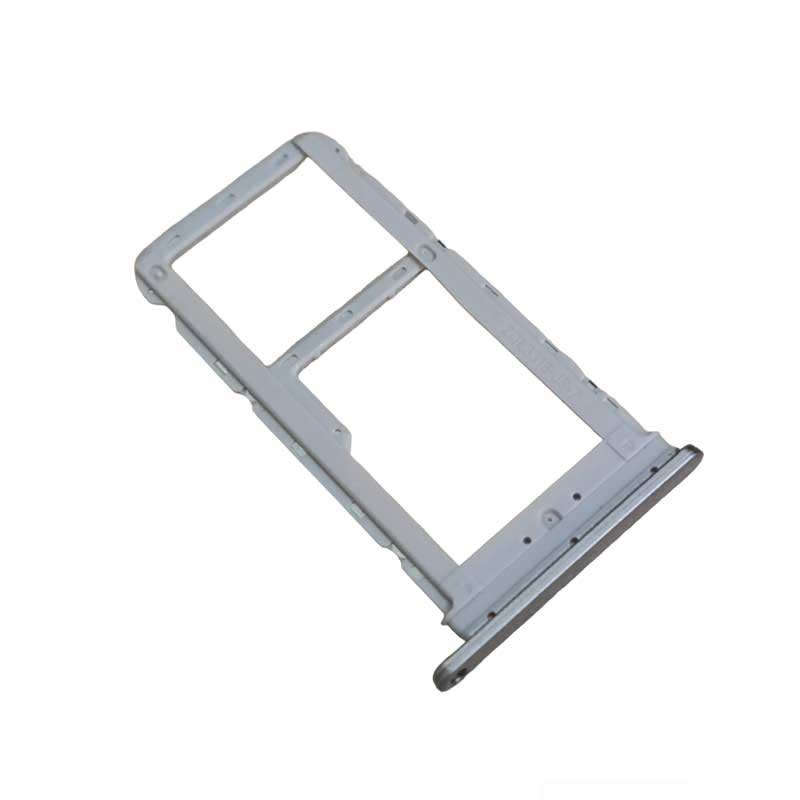
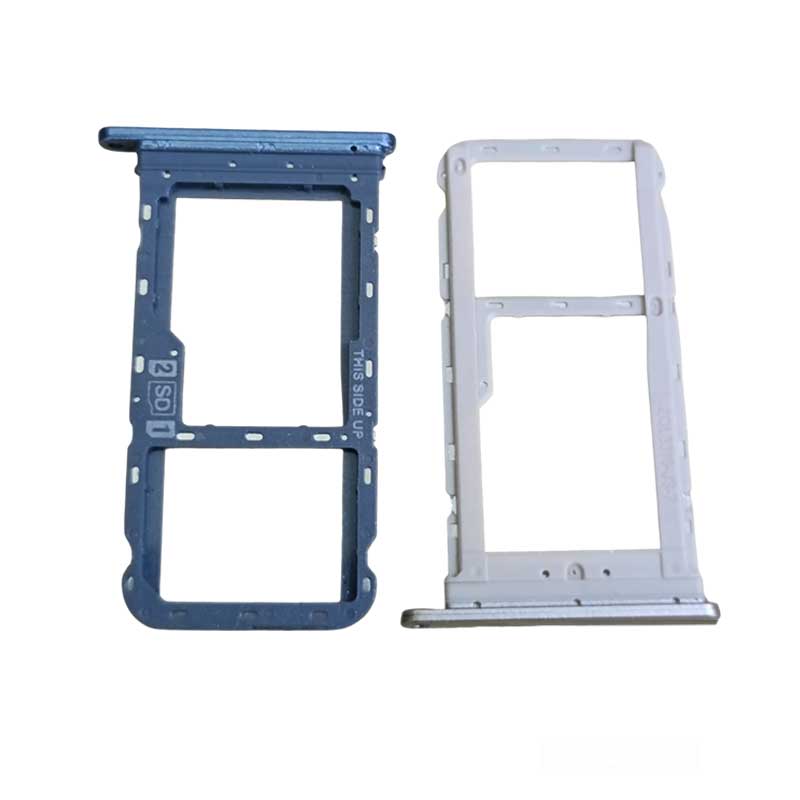
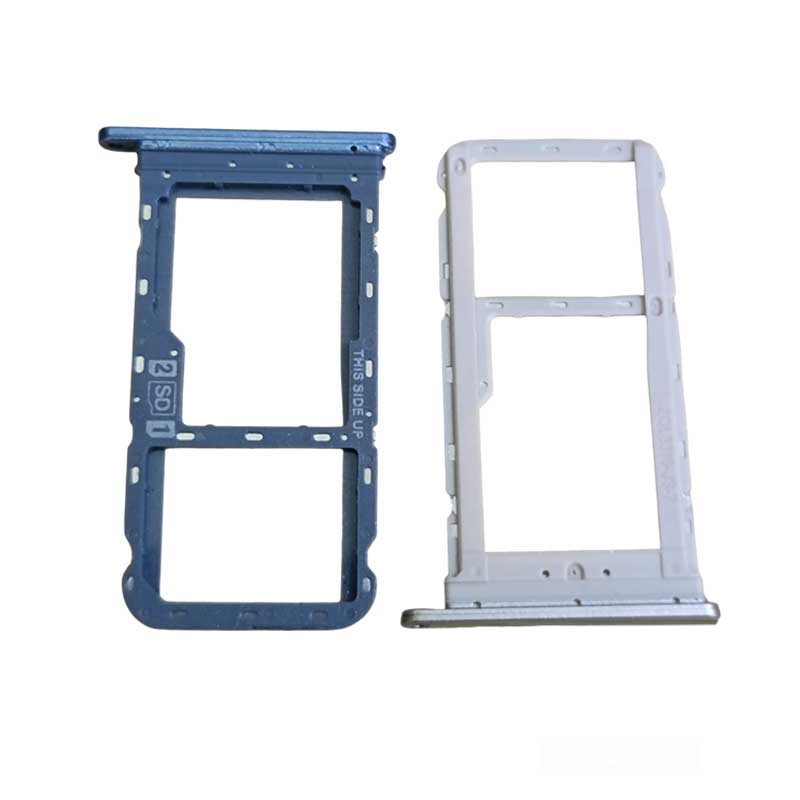
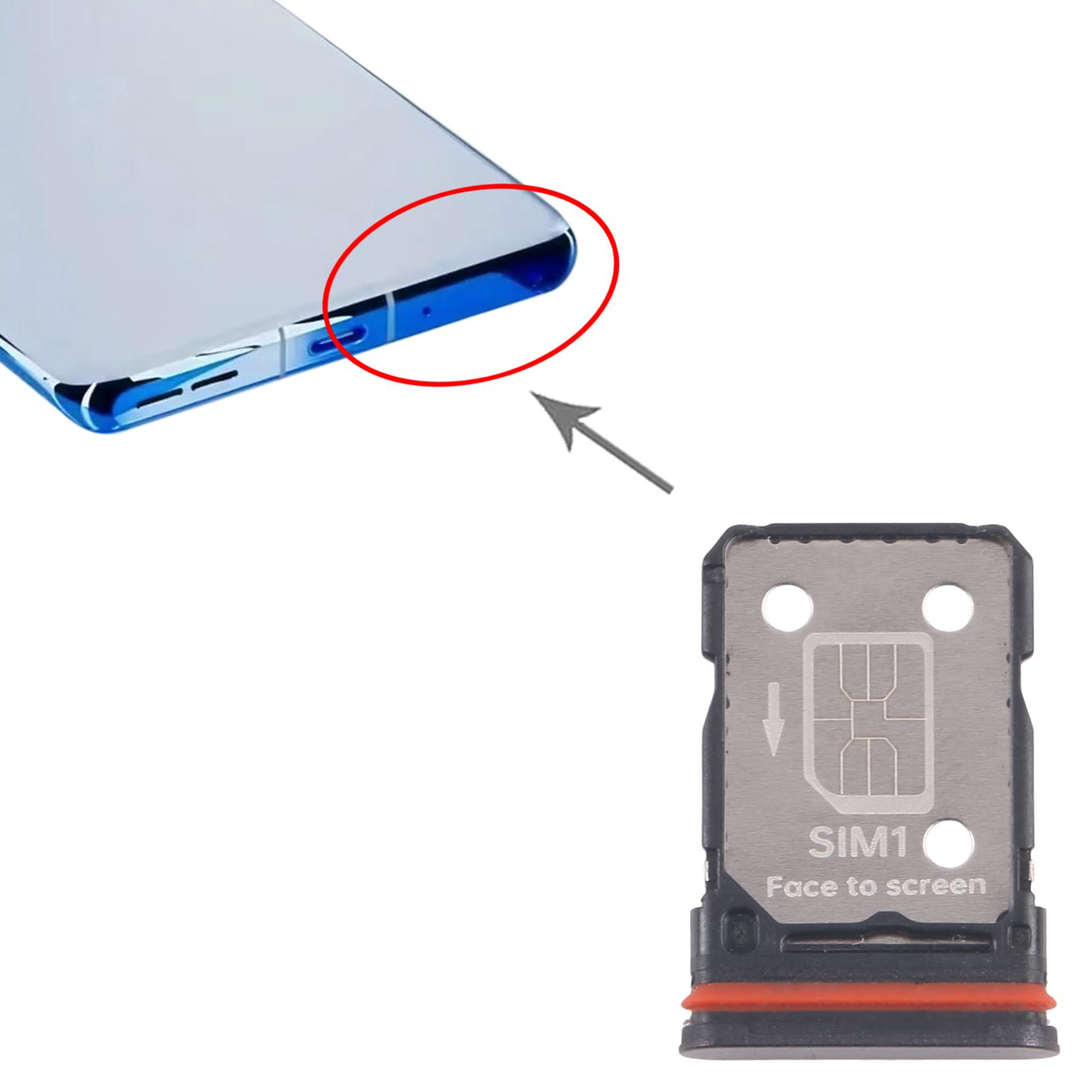
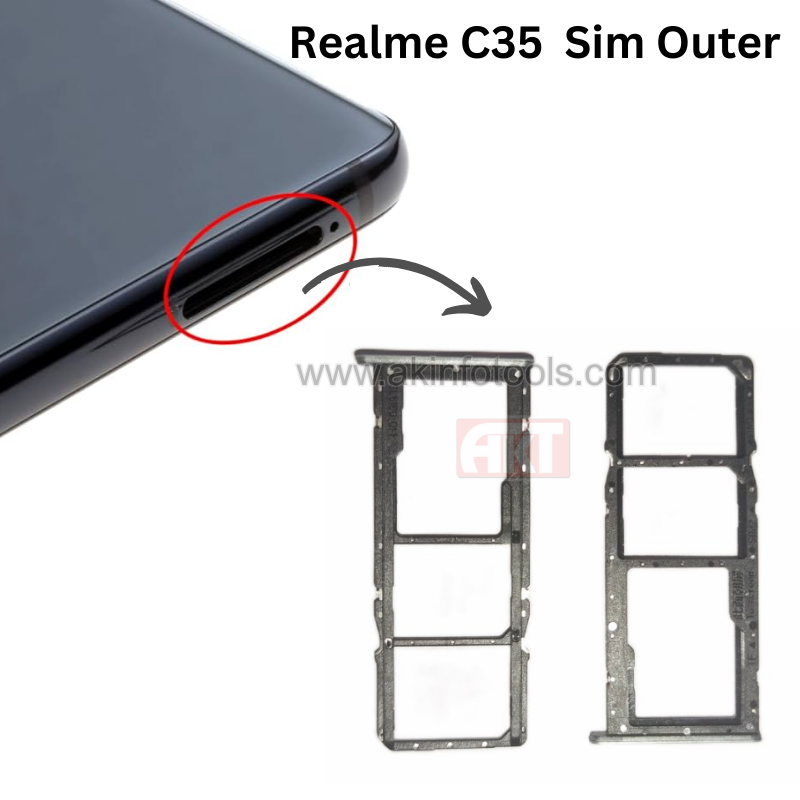
Moto G40 Fusion Sim Outer


₹ 11.00 ₹ 50 78% off


2

Description

Moto G40 Fusion Sim Outer


SIM Tray Location: The SIM tray is usually positioned on the sides of the phone, commonly found on the left or right side.

SIM Card Type: The Moto G40 Fusion Sim Outer generally supports Nano-SIM cards, which are smaller-sized SIM cards commonly used in modern smartphones.

Dual SIM Capability: This phone model often supports dual SIM cards, allowing users to use two SIM cards simultaneously.

Insertion Method: Accessing the SIM tray usually requires a SIM ejector tool or a small pin. Insert this tool into a pinhole on the tray to eject it from the phone.

Water and Dust Resistance: While the device might have certain levels of water or dust resistance, the SIM tray area may not always be specifically protected against these elements.


Moto G40 Fusion Sim OuterMoto G40 Fusion Sim Outer

MOTO G40 FUSION SIM OUTER 1

SIM Tray FAQ

1. What is a SIM tray?

A SIM tray is a small slot in your mobile device that holds the SIM card, allowing your phone to connect to your carrier's network.

2. How do I open the SIM tray?

Use the SIM ejector tool provided with your phone. Insert it into the small pinhole next to the SIM tray and apply gentle pressure until it pops out. If you don't have the ejector tool, a small paperclip or a thin needle can serve as an alternative.

3. What should I do if the SIM tray is stuck?

  • Check for Obstructions: Dust or debris can cause the tray to jam. Clean the area gently.

  • Use Gentle Pressure: Insert the ejector tool and apply steady, gentle pressure. Avoid forcing it.

  • Alternative Tools: If the ejector tool isn't working, a paperclip can be used carefully.

  • Seek Professional Help: If the tray remains stuck, consult a technician to prevent damage.

4. Can I use a SIM tray from another phone model?

It's not recommended. SIM trays are designed specifically for each phone model. Using an incompatible tray can lead to poor fit or damage.

5. How do I insert the SIM card correctly?

  • Align Properly: Place the SIM card in the tray with the gold contacts facing down and the notched corner aligned with the tray.

  • Insert Gently: Slide the tray back into the phone carefully until it clicks into place.


Verified Reviews

Related Products

SAMSUNG J730 HOME+BACK BUTTON FLEX

₹ 18.00 ₹ 45
60% off    

1

Samsung A03 Speaker Jali

₹ 8.00 ₹ 35
77% off    

5

Vivo Y51/Y51L Charging Flex

₹ 85 ₹ 100
15% off    

2

Realme C2 LCD Connector

₹ 13 ₹ 25
48% off    

2

iPhone 11 Battery FPC Motherboard Connector

₹ 30 ₹ 250
88% off    

5

MOTO E5 CAMERA GLASS

₹ 22 ₹ 45
51% off    

5

SAMSUNG M01/ A01 CAMERA GLASS

₹ 12 ₹ 35
66% off    

5

REDMI 3S/4X CAMERA GLASS

₹ 11 ₹ 25
56% off    

5